


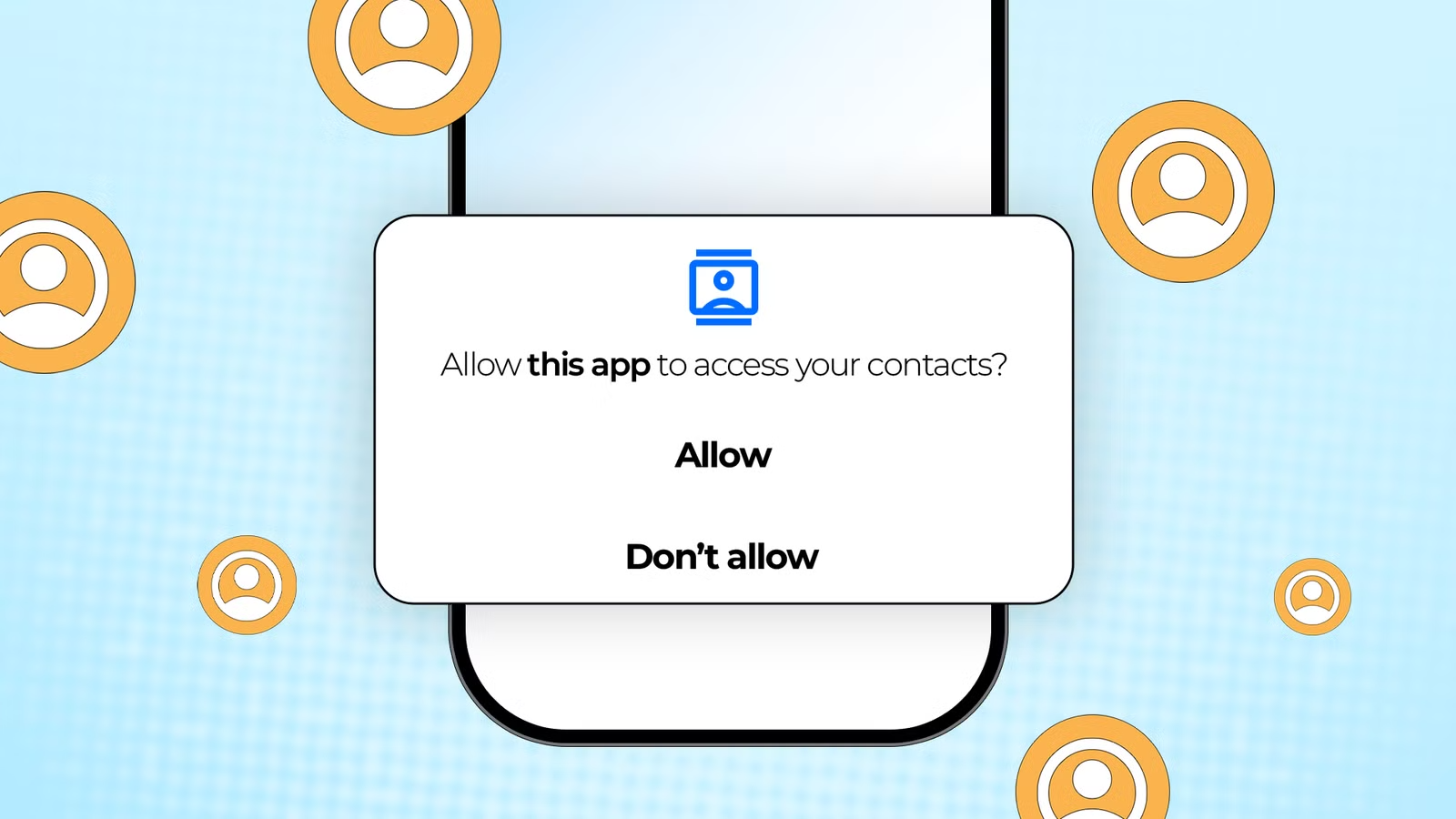
Smartphones are filled with apps, each asking for permissions to access cameras, microphones, contacts, location, and more. Many users feel frustrated or even suspicious, wondering why a simple app needs access to so much personal information.
This article explains why apps request permissions, the difference between necessary and optional access, and how users can protect their privacy while enjoying app functionality.
What App Permissions Really Mean
App permissions are security measures built into mobile operating systems. They control what an app can access on a device, such as:
-
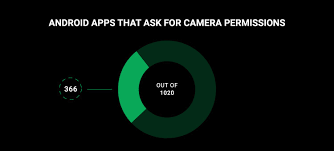
Camera and microphone
-
Location data
-
Contacts and calendars
-
Photos, media, and files
-
Network access
These permissions ensure apps cannot access sensitive data without user consent. Essentially, they act as a gatekeeper, giving users control over privacy.
Why Apps Request Permissions
Apps request permissions for multiple reasons:
-
Core functionality – A navigation app needs location access to provide directions.
-
User convenience – Messaging apps request contacts to simplify communication.
-
Advertising and analytics – Some permissions help apps deliver personalized content or measure performance.
-
Feature enhancements – Access to storage or camera allows features like photo editing, uploading, or scanning documents.
Understanding the reason behind each permission helps users decide whether to allow or deny access.
The Difference Between Essential and Optional Permissions
Not all permissions are equally important. They can be categorized as:
-
Essential permissions: Required for the app’s primary function. Without them, the app may not work.
-
Optional permissions: Enable additional features or improve user experience, but are not strictly necessary.
For example:
-
A map app needs GPS to provide directions (essential).
-
The same map app asking for contacts to share location with friends is optional.
Being able to distinguish between these types helps users make informed choices.
How Permissions Affect Privacy
Every permission granted opens the door to some level of data access. This is why privacy experts recommend:
-
Reviewing permissions before installation
-
Limiting access to sensitive features unless required
-
Regularly auditing app permissions
Apps do not always misuse permissions, but unnecessary access increases risk if the app is hacked or if data is shared with third parties.
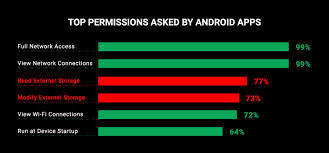
Why Some Apps Ask for Many Permissions
Some apps request multiple permissions for convenience, advertising, or analytics purposes. Social media apps, for instance, may ask for camera, microphone, contacts, location, and storage to deliver a seamless experience and targeted ads.
While this may feel excessive, it often reflects the app’s effort to integrate features, enhance engagement, and generate revenue responsibly.
Operating System Controls
Modern operating systems, such as Android and iOS, allow users to manage permissions actively:
-
Grant access only while using the app
-
Deny unnecessary permissions
-
Review and revoke permissions anytime
-
Receive alerts when apps request sensitive data
These tools empower users to protect privacy without sacrificing functionality.
How Personalized Advertising Uses Permissions
Apps may use permissions to improve ad relevance:
-
Location data helps deliver local offers
-
App usage patterns optimize ad recommendations
-
Demographic information helps advertisers reach specific audiences
This type of data use is often anonymized and aggregated, meaning it is not directly linked to a personal identity.
Best Practices for Users
To stay safe while using apps:
-
Check permissions during installation – Don’t accept all by default.
-
Update apps regularly – Developers fix vulnerabilities over time.
-
Use built-in privacy settings – Both Android and iOS allow granular control.
-
Limit sensitive permissions – Only grant access if it is necessary for the app to function.
-
Audit apps periodically – Remove or restrict apps no longer in use.
These steps reduce risk while maintaining app usability.
The Balance Between Functionality and Privacy
App developers face a challenge: providing rich features without overstepping privacy boundaries. Permissions exist to balance these needs:
-
Users get access to app functionality
-
Developers can innovate and improve user experience
-
Platforms maintain security and privacy standards
When understood and managed properly, permissions are a helpful tool, not a threat.
Final Thoughts
App permissions are essential for controlling access to personal information. While some requests may seem excessive, they often support app functionality, convenience, and personalized experiences.
By understanding permissions, differentiating between essential and optional access, and using operating system tools wisely, users can protect privacy while enjoying the full benefits of modern apps.